Showing posts with label Alternative Photoshop. Show all posts

Saturday, 30 November 2013

Photivo

Photivo is a free and open source (GPL3) photo processor. It handles your RAW files as well as your bitmap files (TIFF, JPEG, BMP, PNG and many more) in a non-destructive 16 bit processing pipe with gimp workflow integration and batch mode.

Photivo

Photivo tries to provide the best algorithms available; even if this implies some redundancy. So, to my knowledge, it offers the most flexible and powerful denoise, sharpen and local contrast (fake HDR) algorithms in the open source world. (If not, let's port them ;-)) Although, to get the desired results, there may be a quite steep learning curve ;-).
Photivo is just a developer, no manager and no “Gimp”. It is intended to be used in a workflow together with digiKam/F-Spot/Shotwell and Gimp. It needs a quite strong computer and is not aimed at beginners.

 

Photoscape


Photoscape


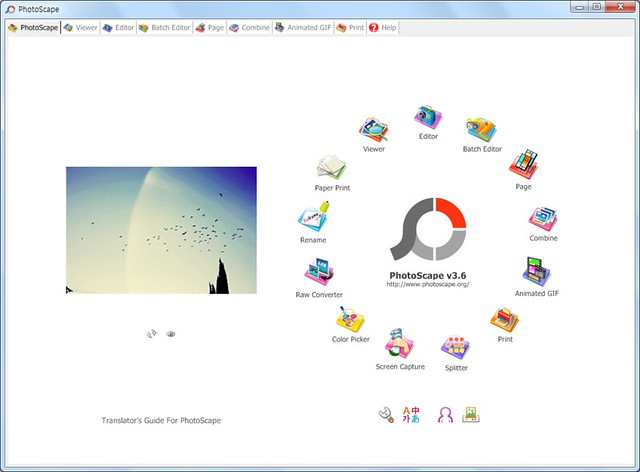
PhotoScape

Photoscape is a fun and easy photo editing software that enables you to fix and enhance photos.

Key Features
  • Viewer: View photos in your folder, create a slideshow
  • Editor: resizing, brightness and color adjustment, white balance, backlight correction, frames, balloons, mosaic mode, adding text, drawing pictures, cropping, filters, red eye removal, blooming, paint brush, clone stamp, effect brush
  • Batch editor: Batch edit multiple photos
  • Page: Merge multiple photos on the page frame to create one final photo
  • Combine: Attach multiple photos vertically or horizontally to create one final photo
  • Animated GIF: Use multiple photos to create a final animated photo
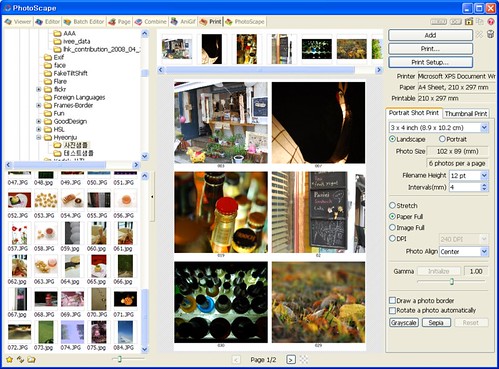
  • Print: Print portrait shots, carte de visites(CDV), passport photos
  • Splitter: Slice a photo into several pieces
  • Screen Capture: Capture your screenshot and save it
  • Color Picker: Zoom in on images, search and pick a color
  • Rename: Change photo file names in batch mode
  • Raw Converter: Convert RAW to JPG
  • Paper Print: Print lined, graph, music and calendar paper
  • Face Search: Find similar faces on the Internet 

Download Link

PixBuilder Studio

PixBuilder Studio is a free image editing software program for digital photo editing, images processing, and resizing. For digital photo editing, you can use its many professional quality functions.
PixBuilder Studio allows you to use the following color management functions: brightness/contrast management, color balance, and levels manipulation. For professional results, you can use the curves function. In PixBuilder Studio, to carry out great, professional looking photo editing, you can manipulate the image with color channels. Layers concept, multi-step undo, gradients and masks support, and text layers support all make PixBuilder Studio a great graphics software program for image processing and creating illustration.

PixBuilder Studio
You can also use flexible selection transform and management functions for drawing complex raster shapes and effects or use the built-in shapes drawing tool. For other complex goals, you can use the built-in high quality effects, such as different blur types, sharpen effects, and others. By using the web safe palette and save with preview function, you can easily create web graphics in any of the most popular formats you want: JPEG, GIF, PNG, and more.
For other needs, you can use a standard set of graphics software features: rotating, resizing, stamp tool, clone tool, healing brush tool, and many others. The dockable interface concept helps you to organize your workspace according to your individual wishes and makes your work more effective.

  • Fast and stable work with high resolution images.
  • Support of layers.
  • Portable and Standard versions.
  • Quick start and low memory requirements.
  • Multi-language interface.
  • Multi-step undo.
  • Customizable key shortcuts.
  • It's absolutely free.


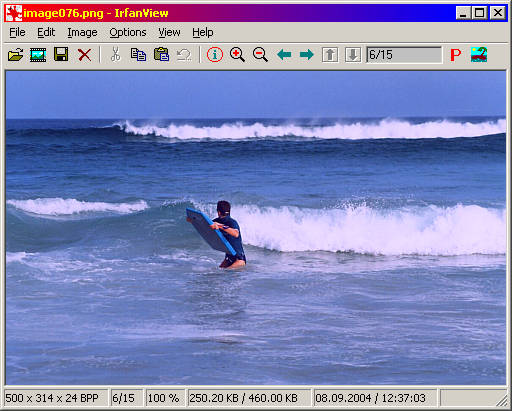
IrfanView

IrfanView is a very fast, small, compact and innovative FREEWARE (for non-commercial use) graphic viewer for Windows 9x, ME, NT, 2000, XP, 2003 , 2008, Vista, Windows 7,windows 8 .

IrfanView
IrfanView


IrfanView was the first Windows graphic viewer WORLDWIDE with Multiple (animated) GIF support.
One of the first graphic viewers WORLDWIDE with Multipage TIF support.
The first graphic viewer WORLDWIDE with Multiple ICO support.

Some IrfanView features:
  • Many supported file formats (click here the list of formats)
  • Multi language support
  • Thumbnail/preview option
  • Paint option - to draw lines, circles, arrows, straighten image etc.
  • Toolbar skins option
  • Slideshow (save slideshow as EXE/SCR or burn it to CD)
  • Show EXIF/IPTC/Comment text in Slideshow/Fullscreen etc.
  • Support for Adobe Photoshop Filters
  • Fast directory view (moving through directory)
  • Batch conversion (with advanced image processing)
  • Multipage TIF editing
  • File search
  • Email option
  • Multimedia player
  • Print option
  • Support for embedded color profiles in JPG/TIF
  • Change color depth
  • Scan (batch scan) support
  • Cut/crop
  • Add overlay text/image (watermark)
  • IPTC editing
  • Effects (Sharpen, Blur, Adobe 8BF, Filter Factory, Filters Unlimited, etc.)
  • Screen Capturing
  • Extract icons from EXE/DLL/ICLs
  • Lossless JPG rotation
  • Unicode support
  • Many hotkeys
  • Many command line options
  • Many PlugIns
  • Only one EXE-File, no DLLs, no Shareware messages like "I Agree" or "Evaluation expired"
  • No registry changes without user action/permission!
  • and much much more


Friday, 29 November 2013

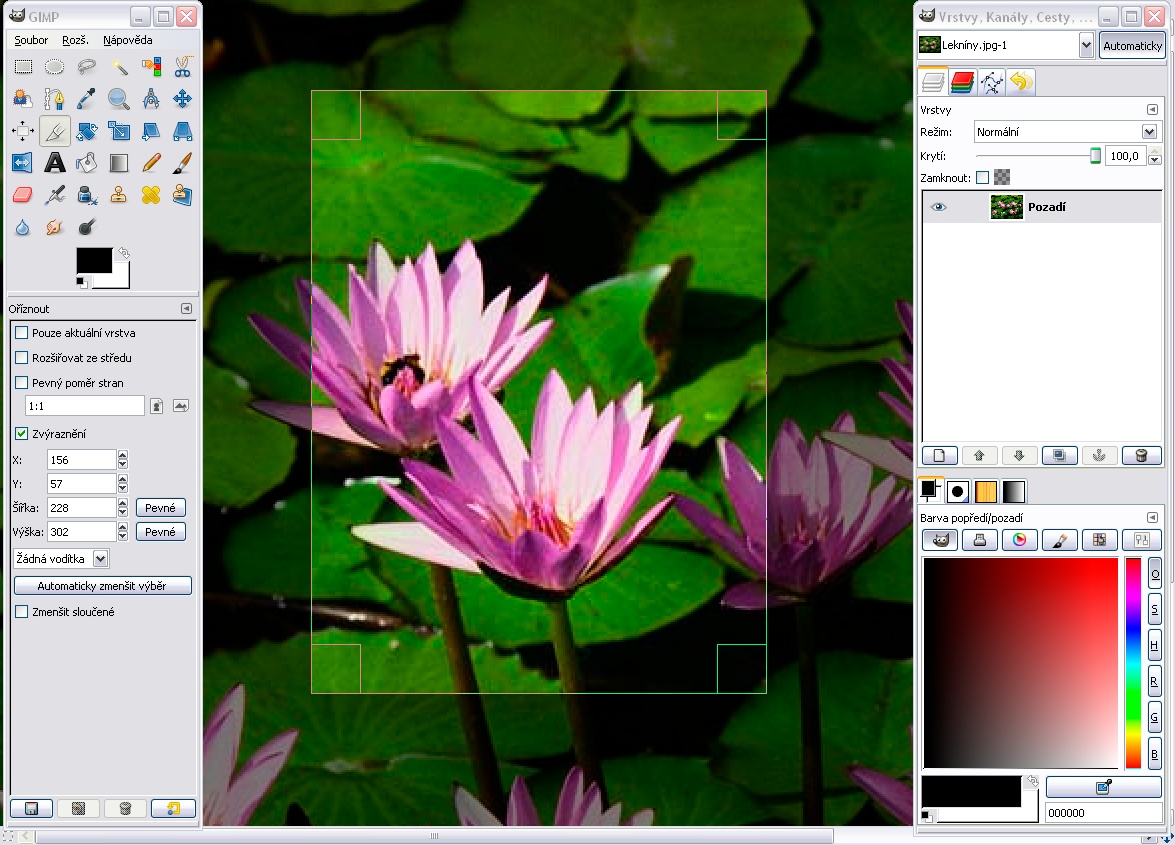
GIMP

 GIMP is an acronym for GNU Image Manipulation Program. It is a freely distributed program for such tasks as photo retouching, image composition and image authoring.

It has many capabilities. It can be used as a simple paint program, an expert quality photo retouching program, an online batch processing system, a mass production image renderer, an image format converter, etc.

GIMP is expandable and extensible. It is designed to be augmented with plug-ins and extensions to do just about anything. The advanced scripting interface allows everything from the simplest task to the most complex image manipulation procedures to be easily scripted.

GIMP is written and developed under X11 on UNIX platforms. But basically the same code also runs on MS Windows and Mac OS X.


Photo Pos Pro

Photo Pos Pro is a free photo editing software. On this page you can find all the information about this photo editing software free download


The download file is the full version of the photo editor which is offered to you free! In addition to Photo Pos Pro Photo Editor you can find on the download page more hot downloads and free supplements to the program.

Minimum Requirements.
Ø  Pentium(R) 350Mhz/equivalent processor or faster.
Ø  256 MB of RAM.
Ø  300 MB of free disk space.
Ø  16-bit color display adapter.
Ø  800x600 resolution.

Ø  Windows 98 / Me / XP / Vista / 7 / 8.